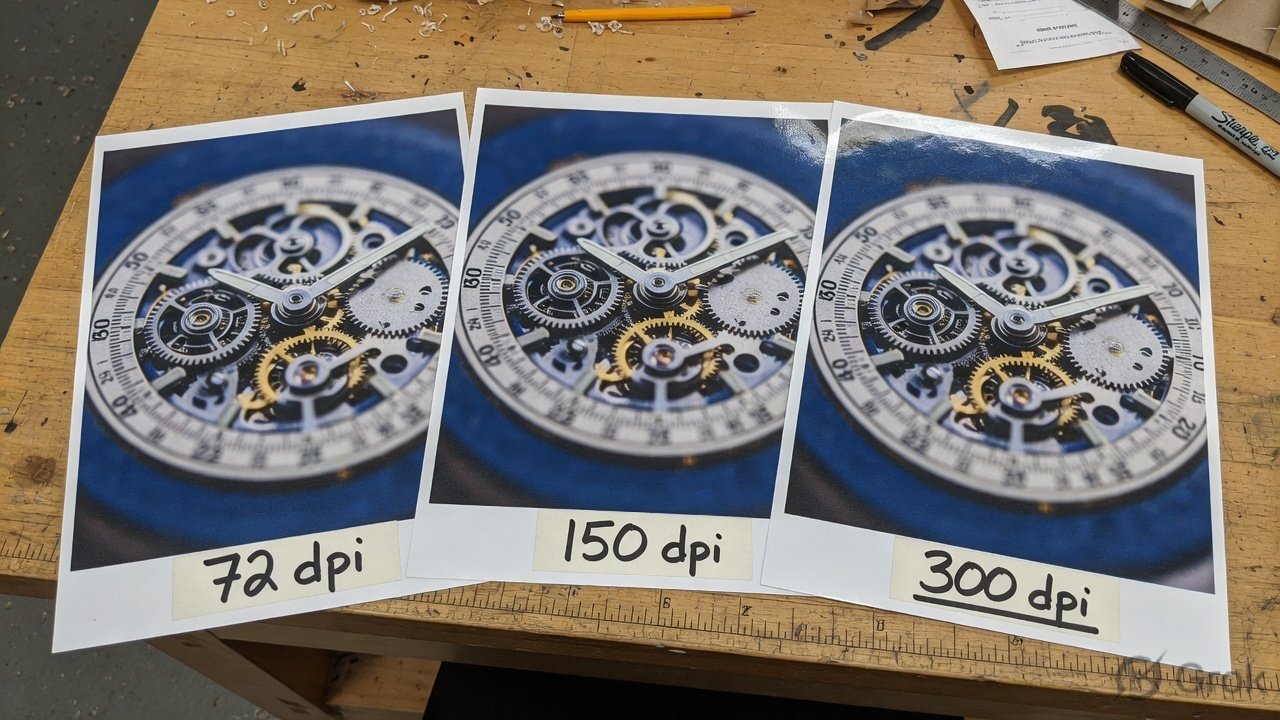
In short
72 dpi: web. 150 dpi: vinyl and foam board people walk up to from several feet. 300 dpi: offset, business cards, anything in your hands. Do not convert 72 to 300 in Photoshop and call it done.
72
Monitors. Logos grabbed from a homepage. If that is all you have, expect softness. Sometimes it is OK on a 10×20 billboard read from a highway. It is not OK on a retractable.
150
The wide-format number. It is enough for almost every hanging vinyl job on this site.
300
Close viewing. Magazines. A 4×8 at 300 dpi is a huge file for no visible gain. Shops will downsample it anyway.
Build at final size. Vector type. Photo at 100–150. File type next: PDF vs PNG vs JPG.